The story
Turn any topic into a course you can actually study.
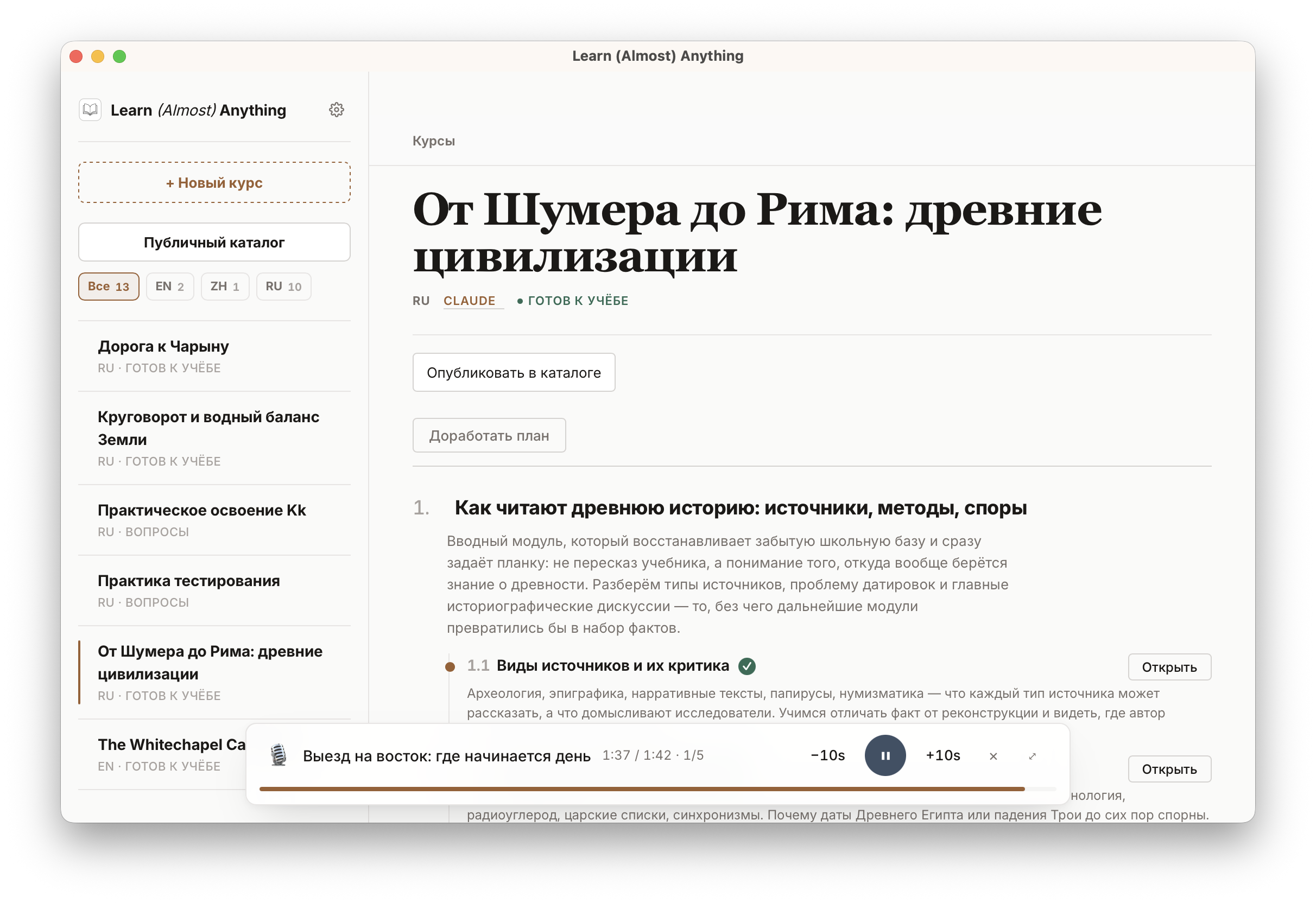
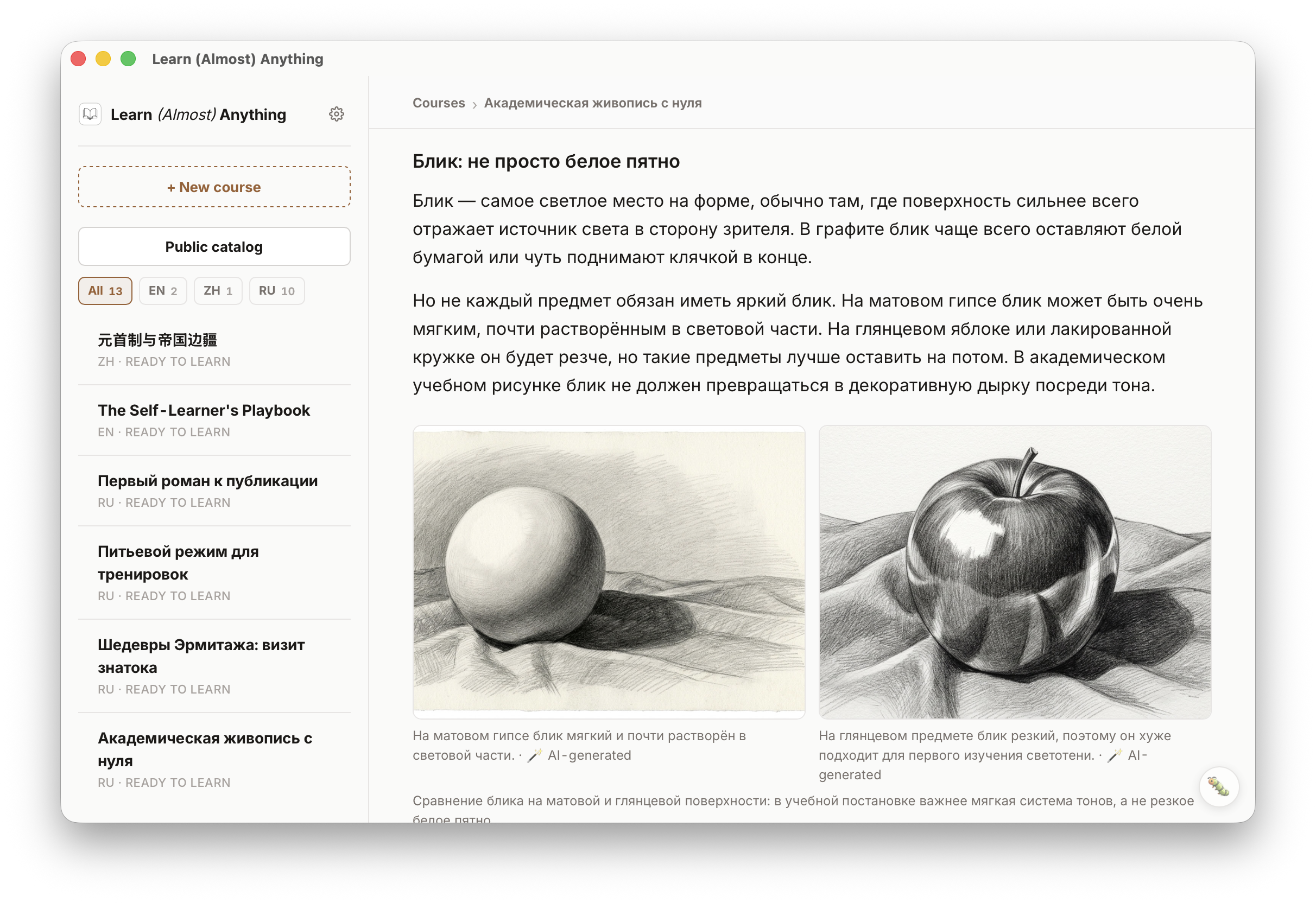
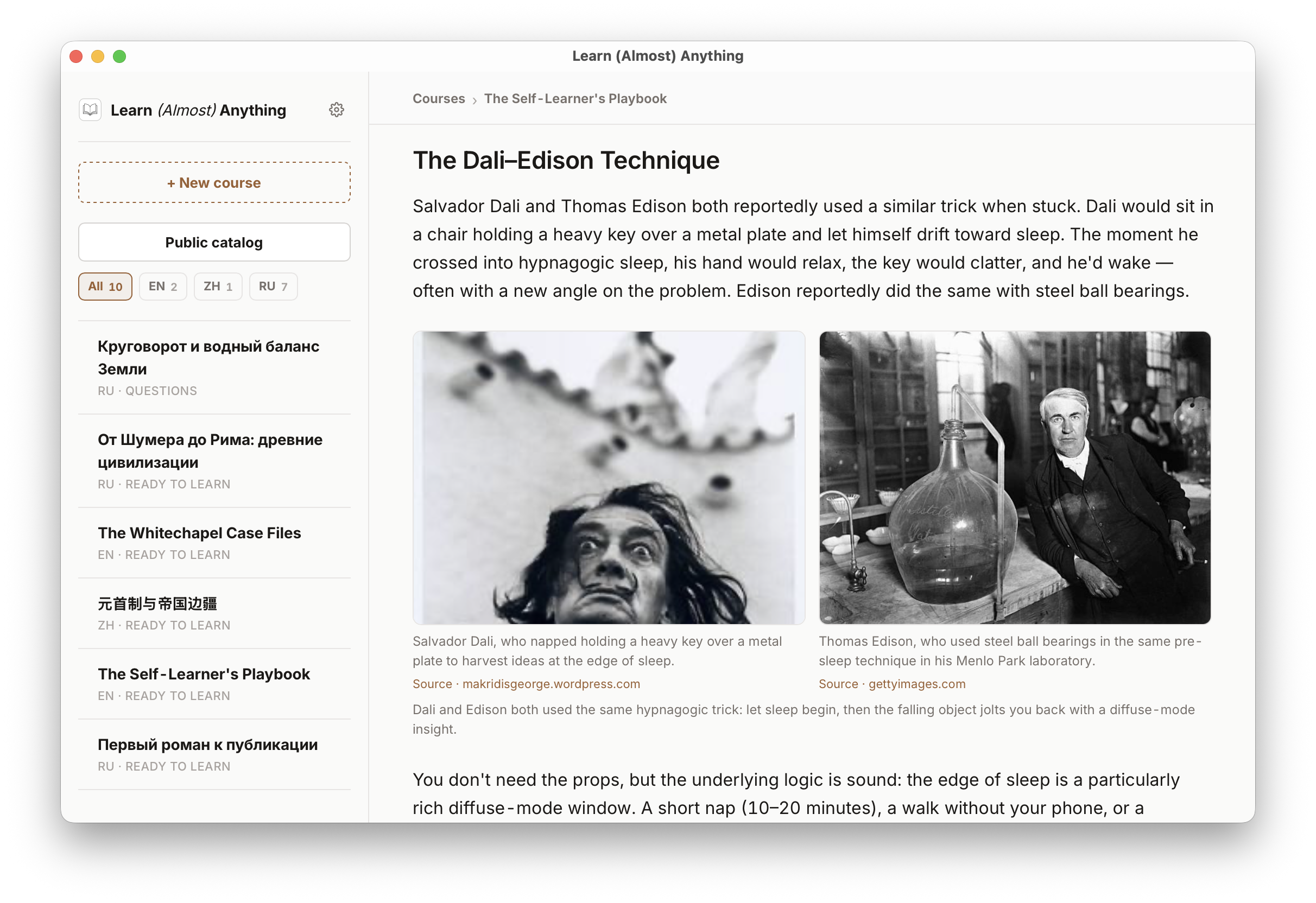
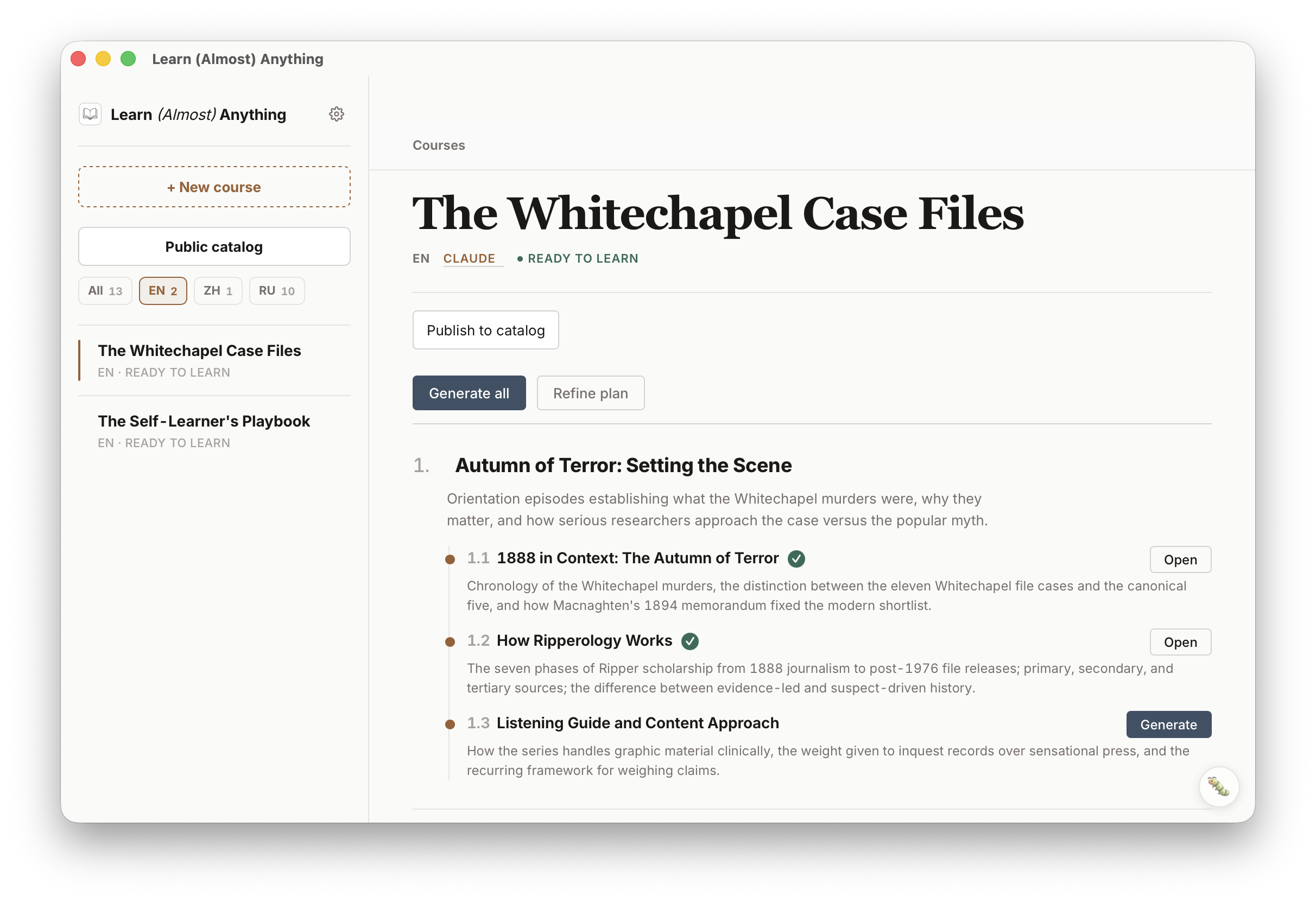
A local desktop app that uses your Claude Code or Codex CLI account to build lessons, sourced visuals, tests, homework review, and lecture audio, then keeps the course on your machine.
The story
A local desktop app that uses your Claude Code or Codex CLI account to build lessons, sourced visuals, tests, homework review, and lecture audio, then keeps the course on your machine.
Latest release · v0.1.11
Analysis
Learn (Almost) Anything runs the agent CLIs already installed on your machine. You choose the topic, language, format, and agent. The app asks questions, drafts a plan, generates lessons, and saves everything locally.
Your courses. Your data. Your computer.
How it works
Privacy
Course content is stored on your machine. The app does not host your generated lessons on a Learn server.
Agent providers receive the prompts and course context needed for generation. Public catalog publishing and ngrok sharing happen only when you explicitly start them.
Get started
Download the direct file above, install Node.js 20+, then start with an existing Claude Code or Codex login.
From the app
Requirements
Install Node.js 20+ and log in to at least one supported local agent: Claude Code via Claude Pro or Max, or Codex CLI via your ChatGPT/Codex account. The app uses the CLI on your machine instead of bundling a private copy.
Read the README ->